
White Label GPS Tracking for Delivery
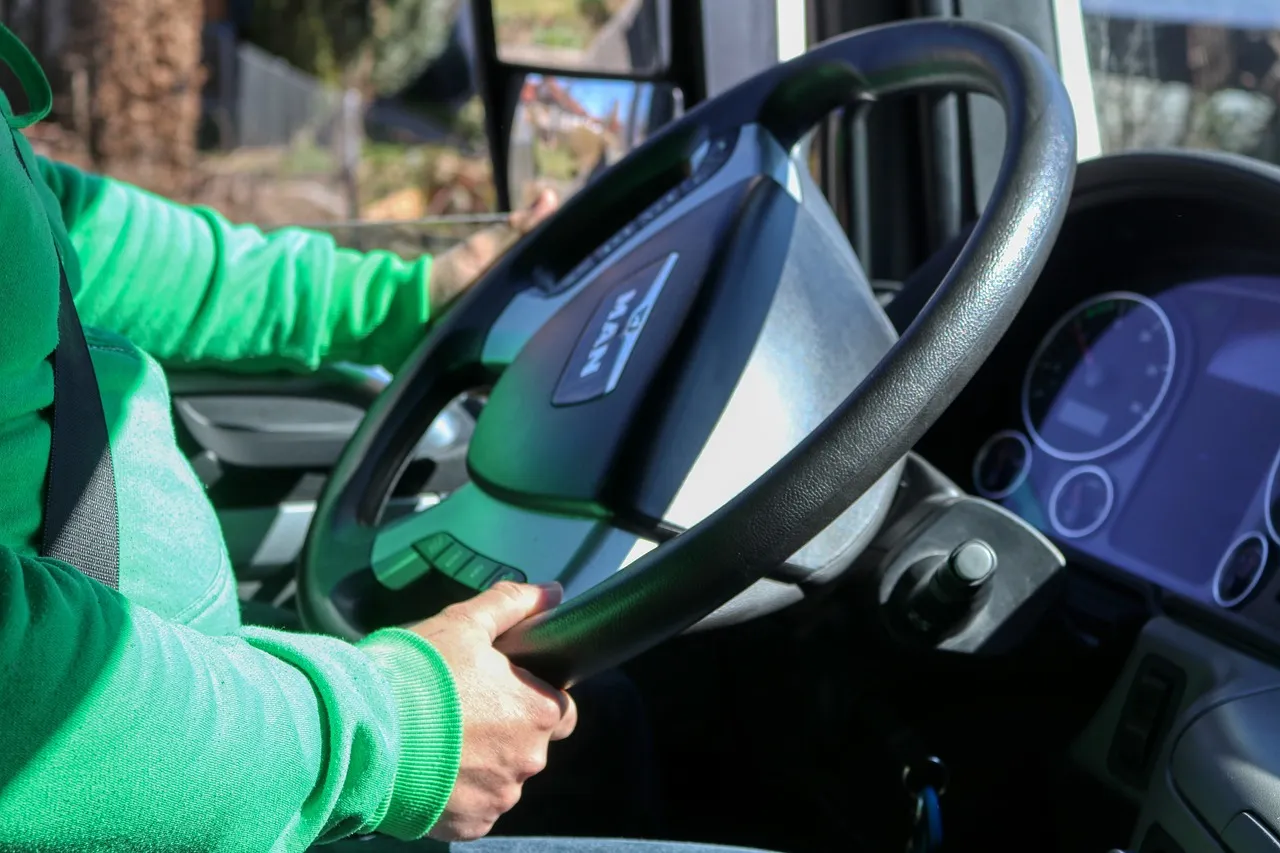
A white-label GPS tracker for a delivery service is a tracking platform sold under your brand instead of the vendor’s. Drivers, dispatchers and your customers see your name, your colours and your app in the stores. The tracking engine underneath is someone else’s work, or a server you run yourself.
Two kinds of business look for this. Delivery operators — route delivery, beverage and dairy distribution, linen services, medical couriers — want tracking their customers will trust. GPS tracking companies want a branded app to sell to the delivery fleets they already serve. The questions below matter to both.
A delivery fleet needs more than a dot on a map
Most white-label GPS apps are built for general fleet tracking: a live map, trip history, geofences and alerts. That covers where a van is. A delivery operation also needs to know what the van is doing.
Before you choose a platform, check whether it handles the delivery side, or can be extended to:
- Stops, not just trips. A route is an ordered list of stops. Dispatchers need to see which are done, which are late and which were skipped.
- Proof of delivery. A photo, a signature or a scanned code, attached to the stop and time-stamped.
- Customer-facing updates. An arrival estimate or a tracking link your customer opens without installing anything, carrying your brand.
- Driver-side flow. A driver app that walks through the route rather than showing a map and leaving the rest to the driver.
- Exceptions dispatch can act on. A vehicle idling at the depot, leaving its zone or running behind is useful only if someone is told while it still matters.
If a platform does live tracking well but has no concept of a stop, you are buying half of what you need, and the other half ends up in spreadsheets and phone calls.
Push alerts are the part that breaks
Geofence and delay alerts arrive as push notifications, and push is the piece that most often fails in a rebrand. The vendor’s notification credentials do not carry over to an app published under your name. A new app needs its own Firebase project, its own Apple push key and its own bundle identifiers, connected to the tracking server.
When that wiring is incomplete, nothing visibly fails. Some users simply stop getting alerts, and the first sign is a customer asking why nobody warned them a delivery was late. Ask any vendor how push is configured for your branded build, and treat a vague answer as a warning.
Own the app, not just the logo
The cheapest white-label offers publish your branded app from the vendor’s own developer account. That is quick, but the listing, the reviews and the installed users belong to the vendor. If you leave, your customers are left with an app you no longer control.
Apple’s review guidelines also push the other way: template apps are expected to be submitted by the business providing the service, and near-identical copies of an existing app risk rejection. An app on your store accounts, with real changes for your delivery workflow, is both safer in review and yours to keep. The white-label GPS tracking app page goes through what that build involves.
Your server or a rented platform
Behind every tracking app is a server that talks to the GPS devices. You can rent that as part of a subscription, or run your own.
A rented platform is the fastest start, and the right choice while you are proving the service. Its limits show up later: per-vehicle pricing that grows with the fleet, device models it does not support, and data you can only reach through its export screens.
Running your own server, commonly Traccar, the open-source GPS tracking server, gives you control of devices, data and cost. It also makes you responsible for hosting, backups and keeping it updated. Many GPS businesses already run Traccar and only need the branded app on top. Delivery operators without in-house technical staff are usually better off having someone set it up and look after it than running it themselves.
When a custom build makes sense
White-label suits a business whose workflow is close to standard fleet tracking. A custom build earns its cost when the delivery workflow is the product: route logic specific to your trade, integration with your order or billing system, or a customer experience your competitors cannot copy by buying the same platform.
The two are not exclusive. A common path is to start from a proven tracking base and extend it — a stop list, proof of delivery, customer notifications — so you pay for what is different about your operation and nothing else. Vision+ is an example of that approach: a Traccar-based tracking app extended with dashcam video review and remote vehicle commands. The fleet management software page covers the fully custom route.
Questions to ask a vendor
- Whose developer accounts will the app be published on?
- How are push notifications configured for my branded build, and who maintains them after the next iOS and Android releases?
- Does the platform model stops and proof of delivery, or only vehicles and trips?
- Can my customers follow a delivery without installing an app?
- Which GPS devices are supported, and what happens when I add a model it does not support?
- Can I export my data, or connect my own systems through an API?
- If I leave, what do I keep?
A vendor who answers these plainly is one you can work with. If the answers are vague, expect gaps to appear later — in missed alerts, a rejected update or a migration you did not plan for.
Want to go deeper?
If you’re weighing up building versus buying, we can walk you through the tradeoffs for your situation.